
Reports
Select a report to see what it shows and how to use it.
Equipment Usage
The Equipment Usage report shows how much your amenities are being used over a period you choose. Open it from the Reports screen, then use the options along the top to shape what it shows.
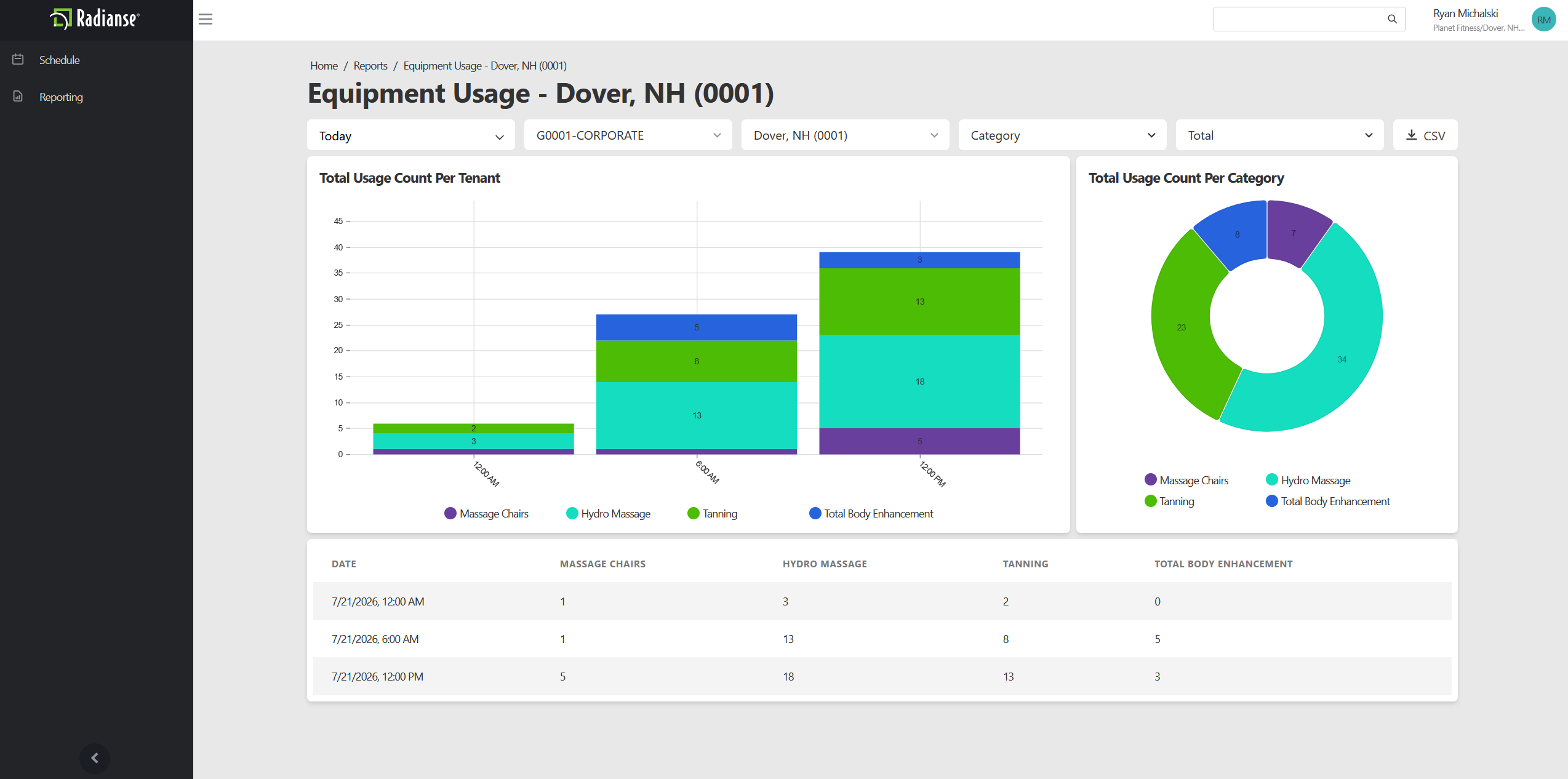
Time Range
Open the Time Range dropdown to pick a predefined period such as This Week, Last Week, or Last Month. To report on a specific window instead, set your own Start Date and End Date.
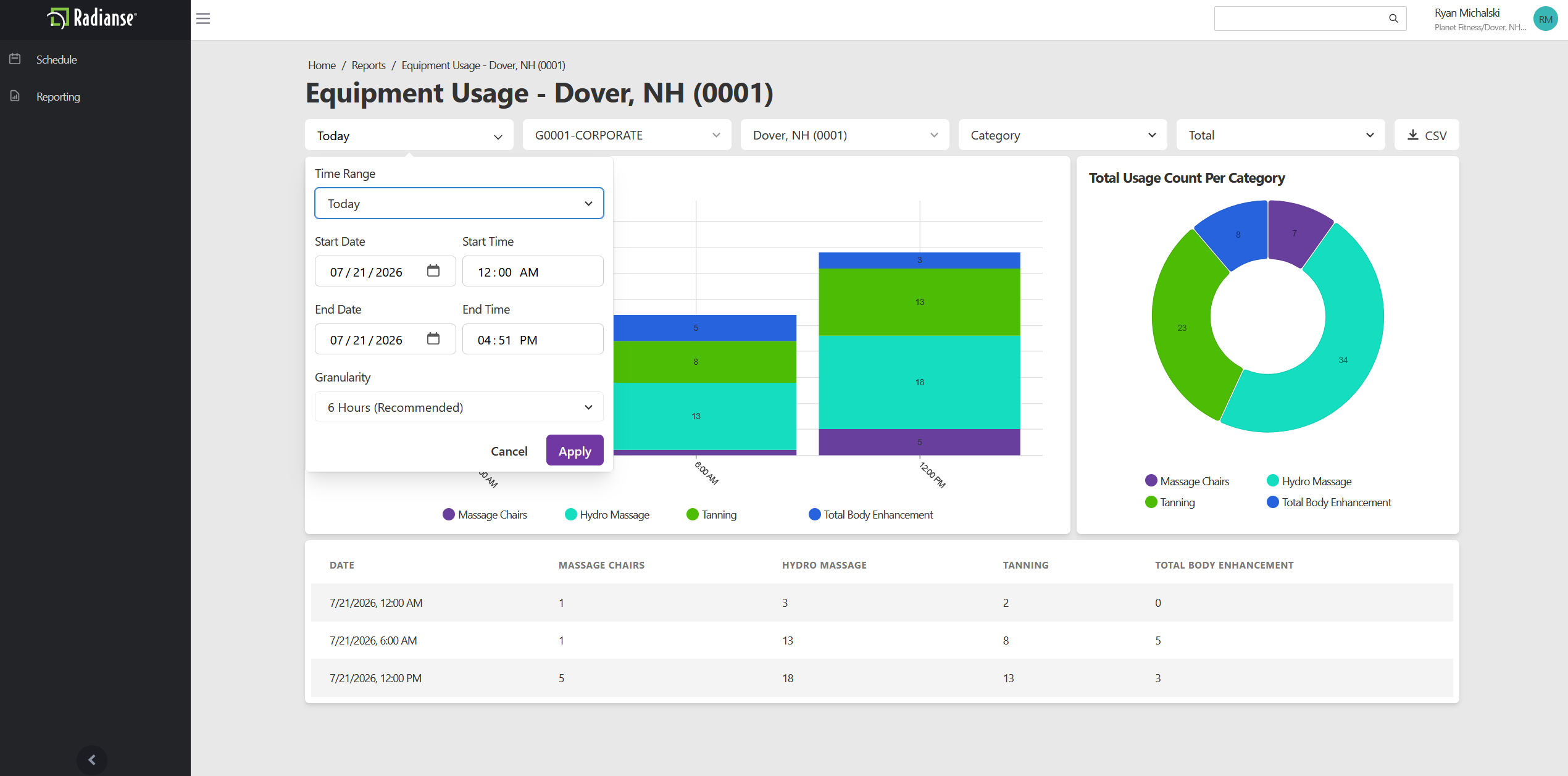
Content
The Content option sets how usage is grouped.
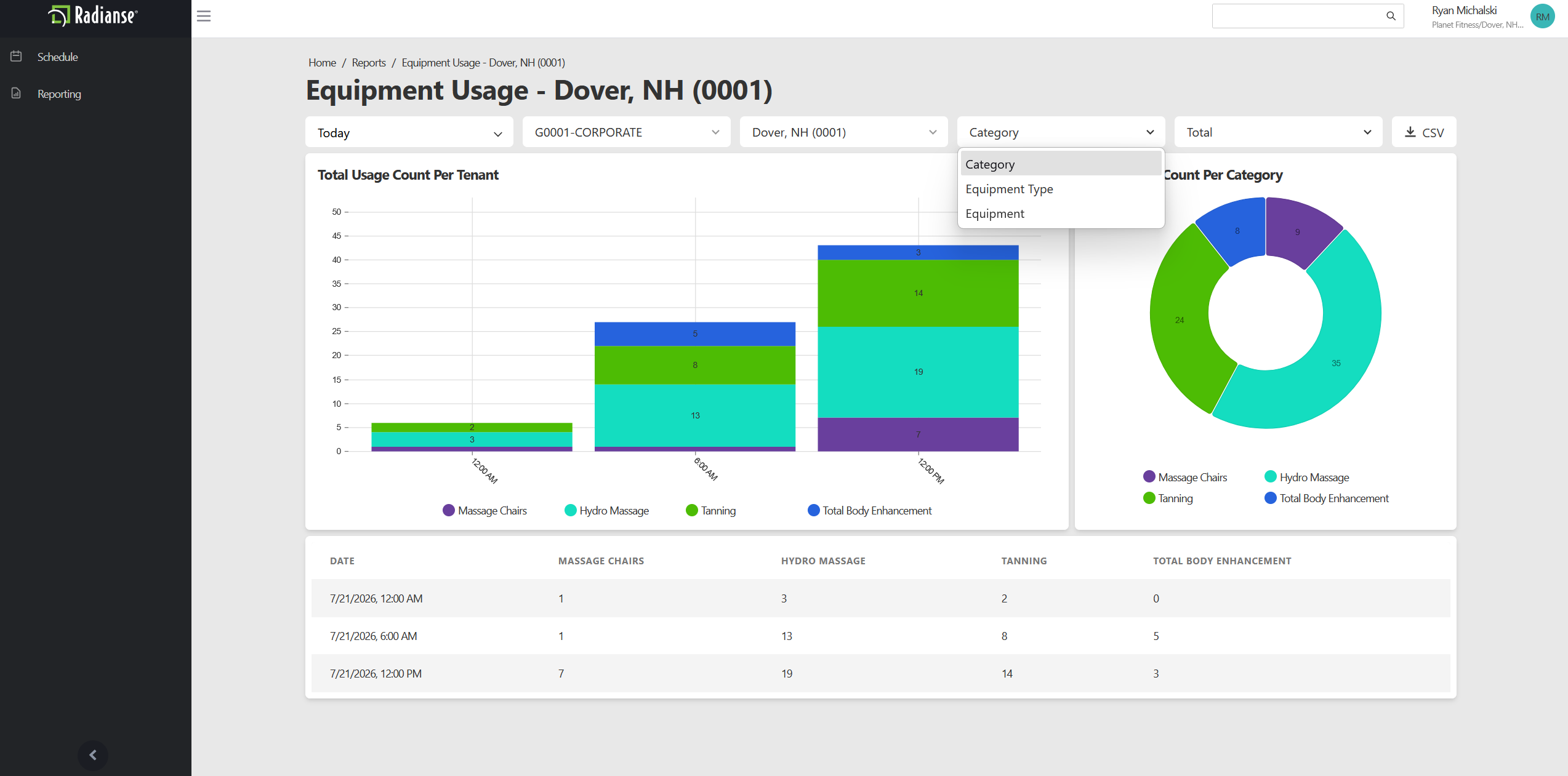
- Category (default)
- Totals for each amenity category.Example: Hydro Massage.
- Equipment Type
- Totals for each type of equipment.Example: HydroMassage Lounges, HydroMassage Beds.
- Equipment
- Totals for each individual piece of equipment.Example: HydroMassage Lounge 1, HydroMassage Bed 2.
Sum
The Sum option sets how usage is counted.
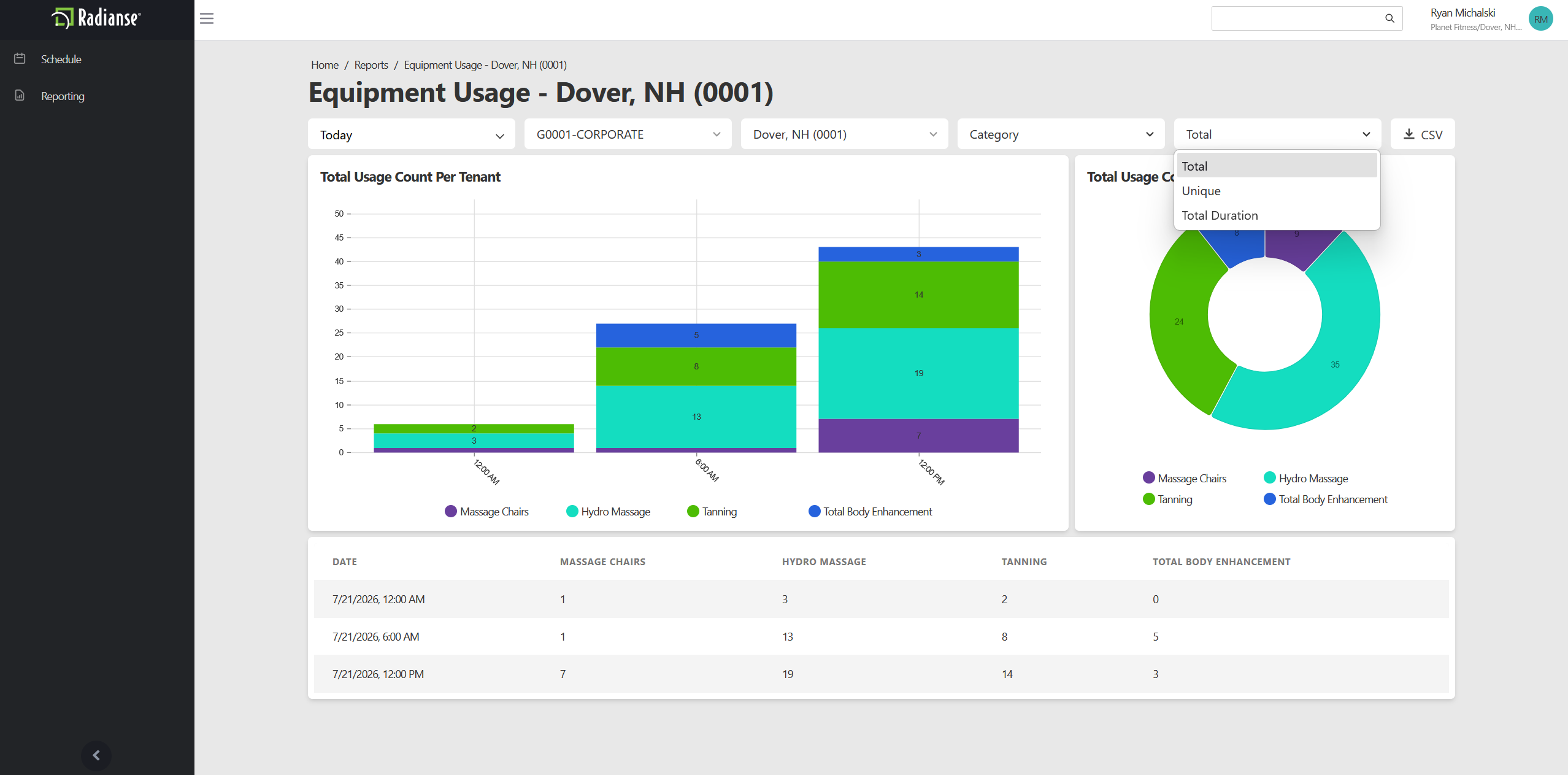
- Total (default)
- The total number of activations.
- Unique
- The number of unique activations.If a member runs two sessions back to back, it counts once.
- Total Duration
- The total time the amenities have run, shown as HH:MM:SS.
Loss Prevention
Documentation for this report is coming soon.
Need help with this report now? Call Radianse Support at (603) 994-2222.
Maintenance History
Documentation for this report is coming soon.
Need help with this report now? Call Radianse Support at (603) 994-2222.
Red Screens
Documentation for this report is coming soon.
Need help with this report now? Call Radianse Support at (603) 994-2222.
Schedule History
Documentation for this report is coming soon.
Need help with this report now? Call Radianse Support at (603) 994-2222.
Unique Usage History
Documentation for this report is coming soon.
Need help with this report now? Call Radianse Support at (603) 994-2222.