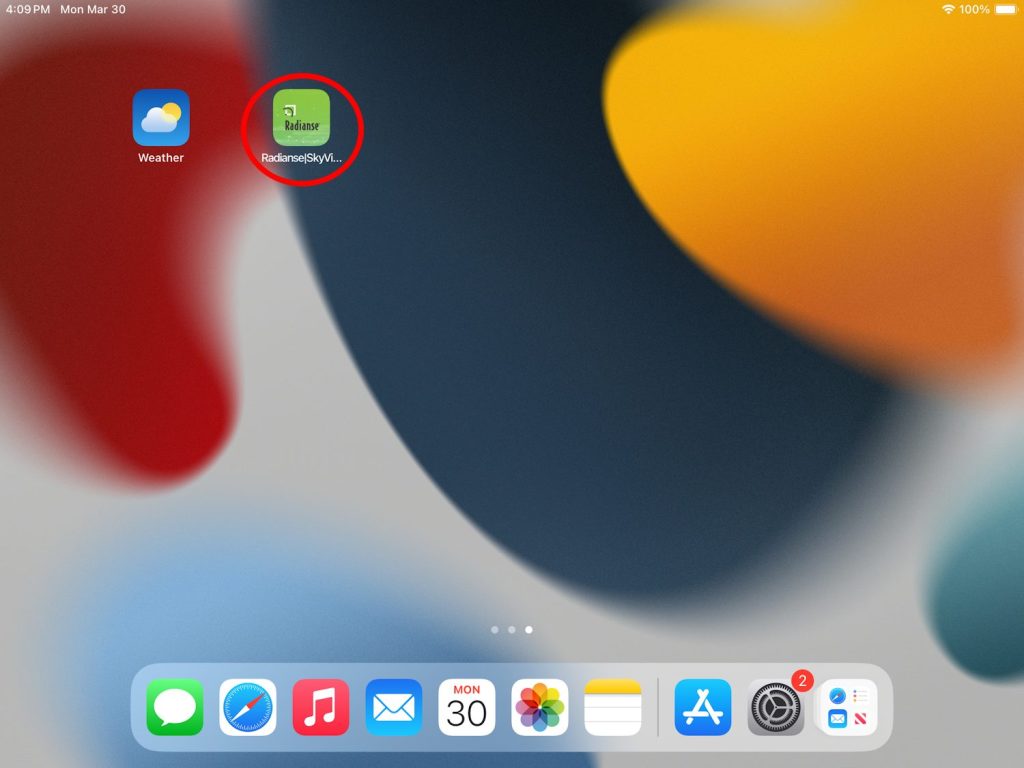
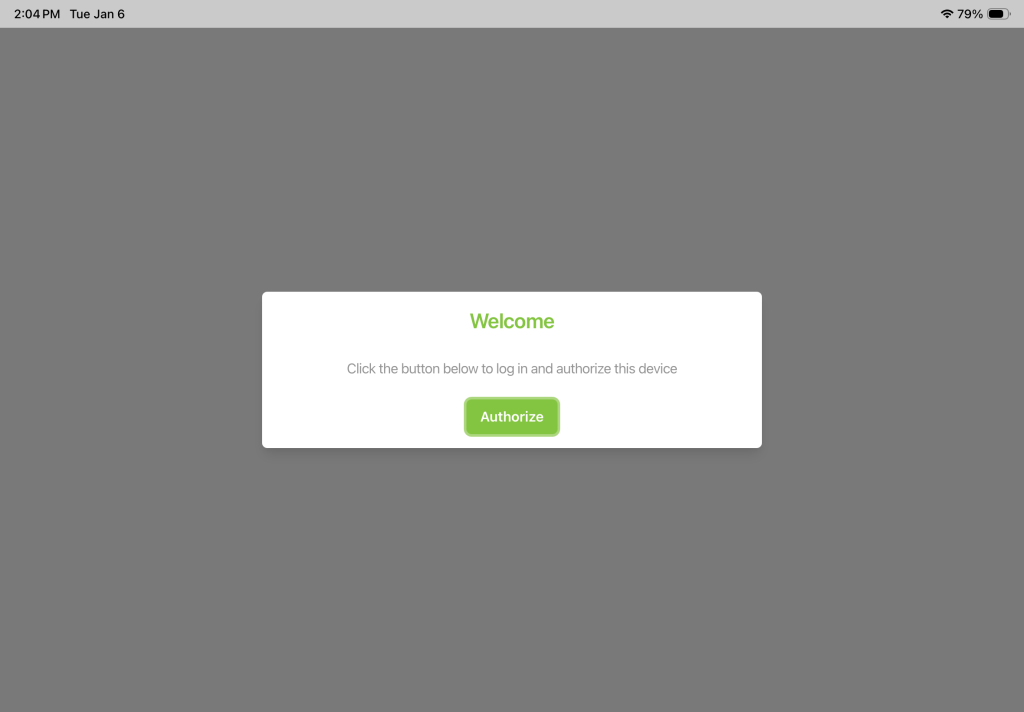
This guide will walk you through the process of adding a Radianse shortcut to the home screen of a member iPad.
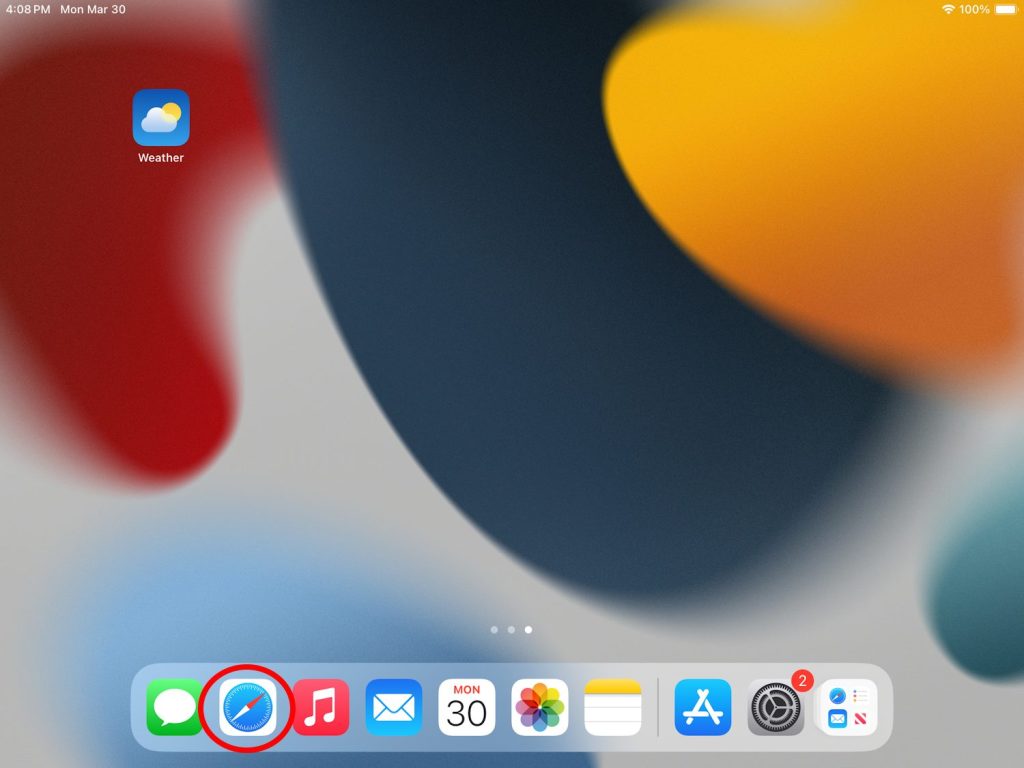
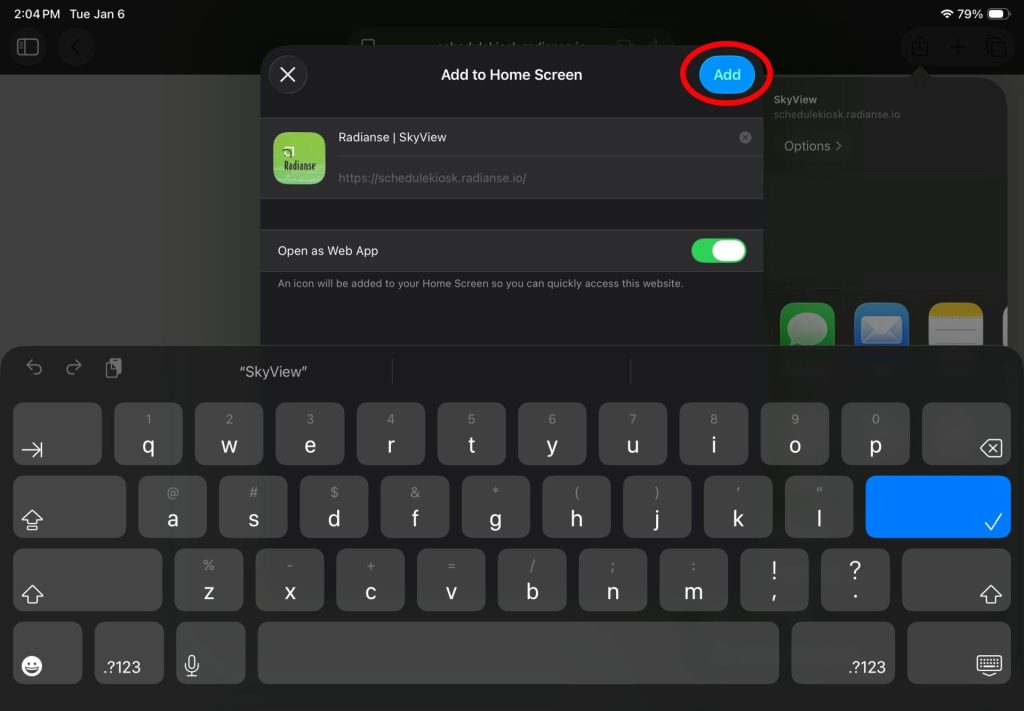
The screenshots in this guide contain red circles. If you see a red circle, it is indicating where you should be touching.
1. Open Safari
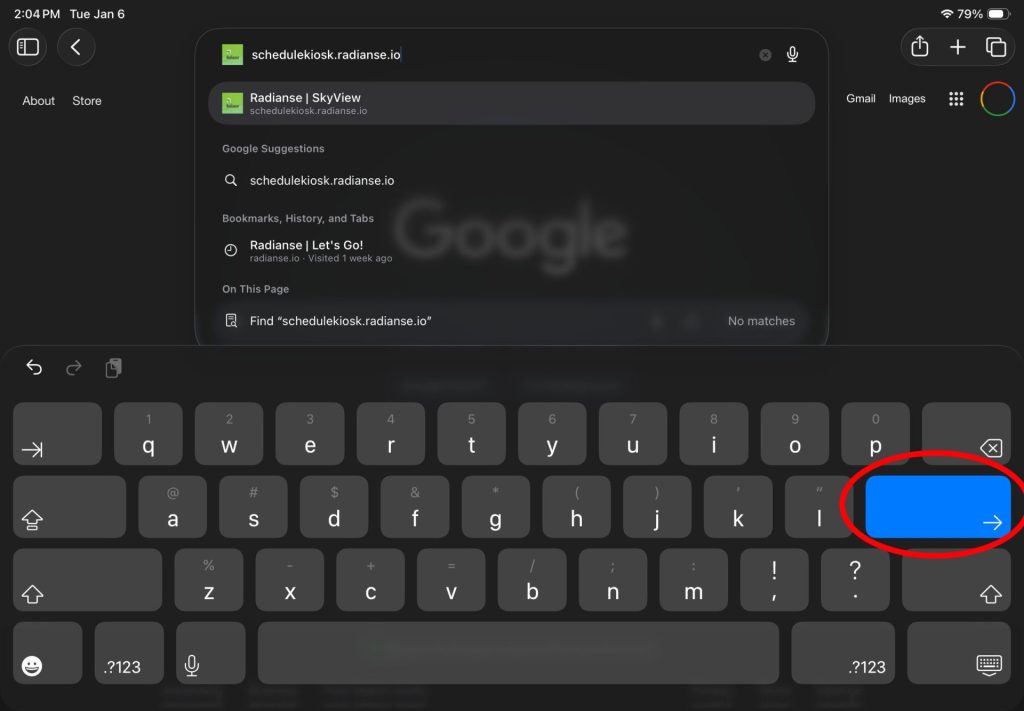
2. Click on the Address Bar
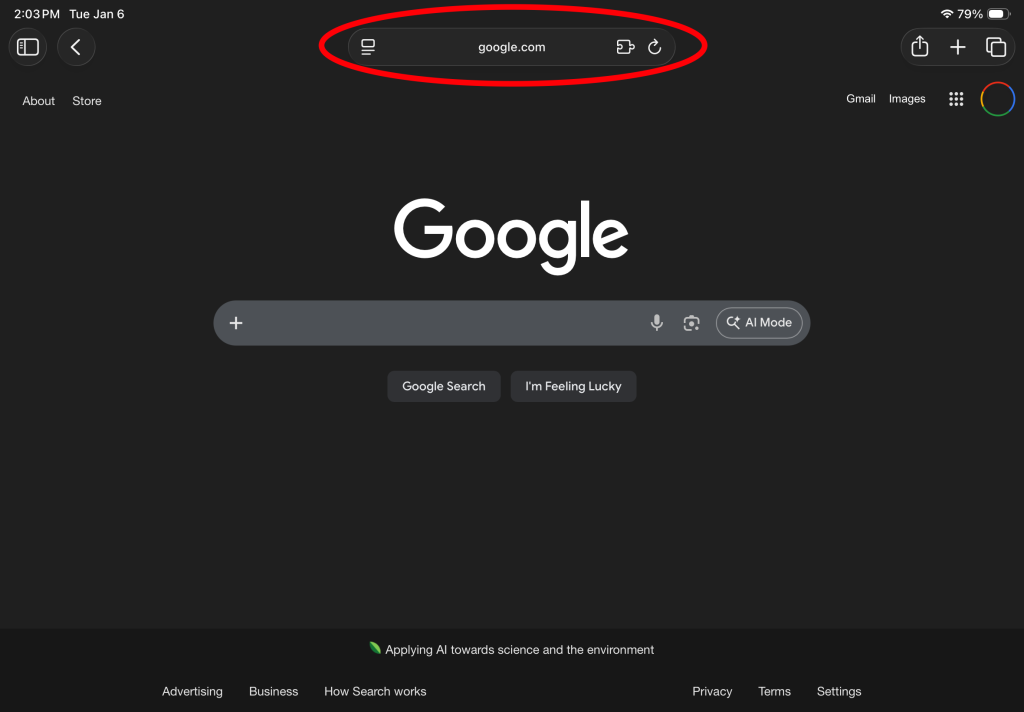
3. Navigate to the following URL: https://schedulekiosk.radianse.io
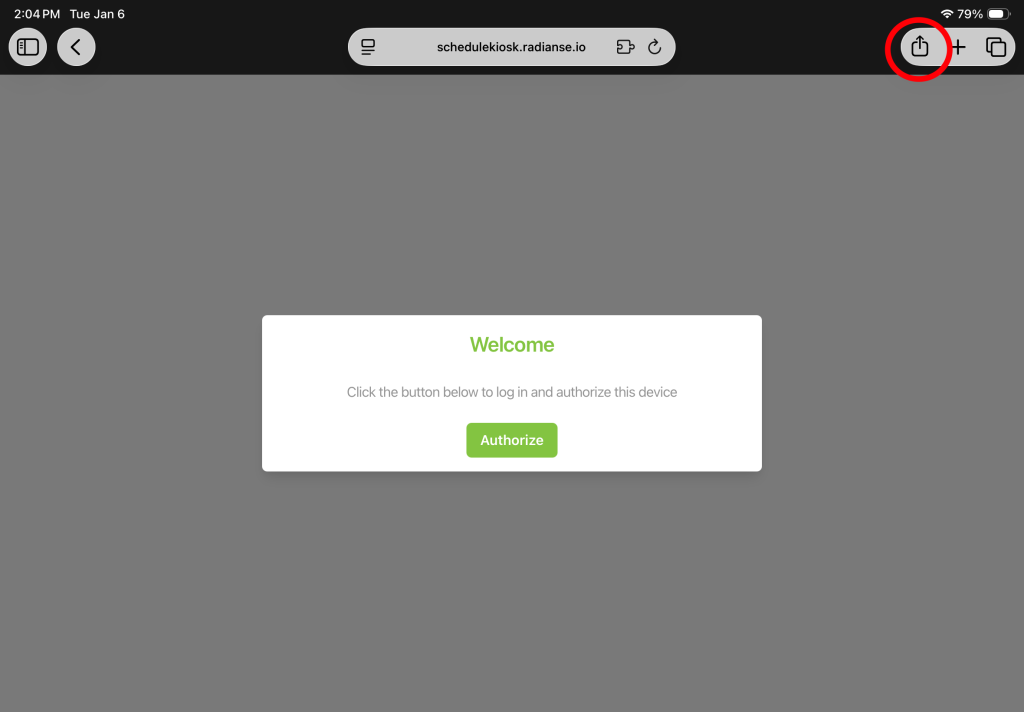
4. Click the Share Button
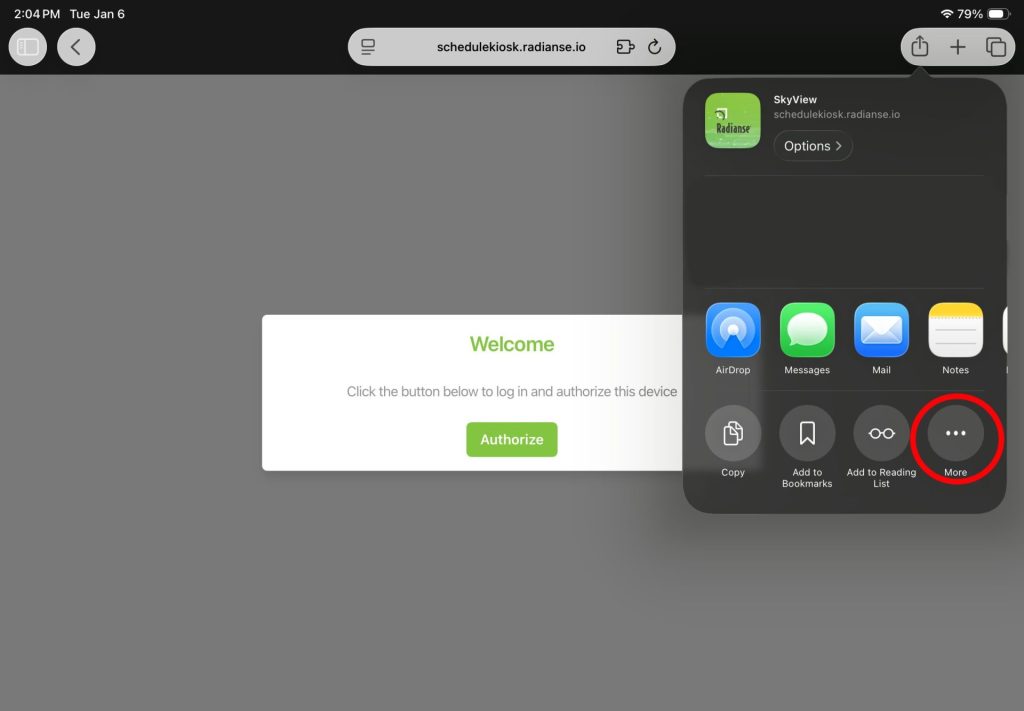
5. Click “More Options”
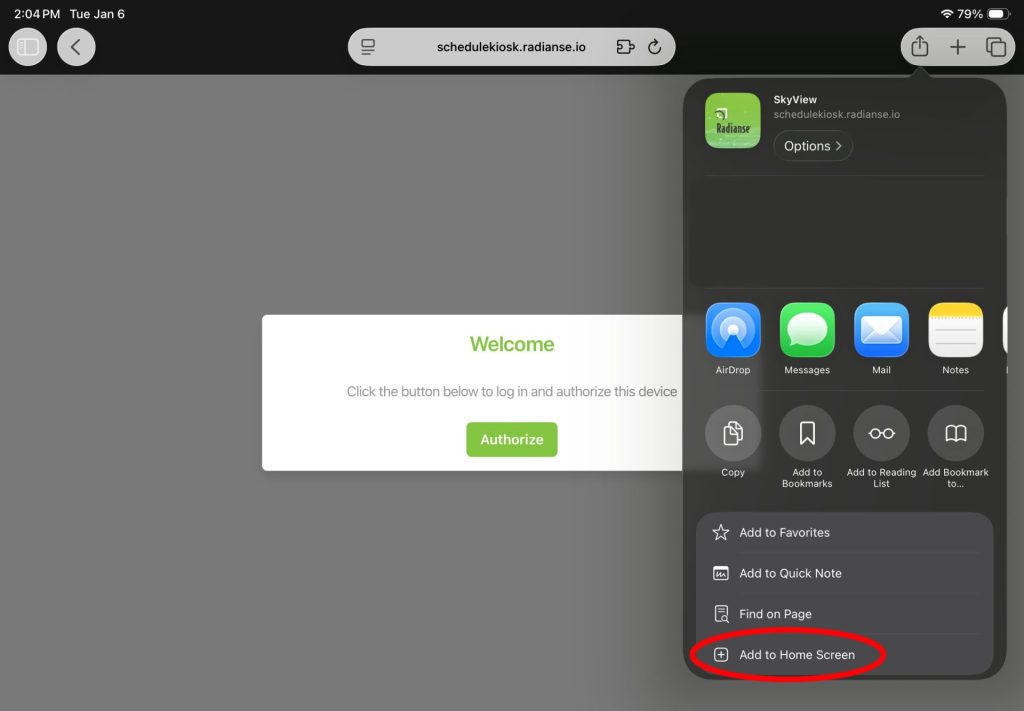
6. Click “Add to Home Screen”
7. Click “Add”
You should now have a Radianse icon on your home screen, which will launch the app. If you run into any issues, please contact Radianse Support.